
SaaS Development: Design, Launch and Grow Your Application
SaaS development means building cloud-hosted software, available online through a subscription, that can store data, run business processes and receive updates without any action from the end user. SaaS, or Software as a Service, is a model for distributing software online. The difference from a showcase website is structural: a website presents information; a SaaS application processes it, transforms it and delivers it back. Users access it from a simple web browser with an internet connection, with no local installation.
For a very small business or an SME, the stakes are concrete: choosing cloud hosting, managing a reliable database, securing customer data, and automating processes still handled in spreadsheets or by email. UnzipTech, based in Fez, supports very small businesses, SMEs and large companies in Morocco and internationally with SaaS solutions and custom software.
This practical guide walks through the main stages of building a SaaS solution, from business scoping to post-launch updates.
Clarify the business goal of your future SaaS application
Exploration and analysis are the first stage of creating a SaaS product. Before writing a single line of code, you need to state a precise business goal: a poorly defined problem is one of the most common causes of software project failure.
Here is how to structure that thinking:
- Identify the target business process. What problem are you solving? Examples: lead tracking for sales reps, leave management for an HR department, booking management.
- Use concrete scenarios. Phrase your use cases as "When [situation], I want [action], so that [outcome]." Example: "When a customer books online, I want availability to update automatically, so that double bookings are avoided."
- Separate the problem, the target audience and the value. The current problem (manual handling, errors, wasted time), the audience (industrial SMEs, private schools, service providers…) and the value for each type of user (time savings, traceability, autonomy).
- Tie every feature to a real need. This clarification guides every decision: architecture, user experience, database, subscription model.
Key takeaway: don't start with features; start with real-world use. Identify on-the-ground constraints (connectivity, user habits) and validate the problem before designing the solution.
Market research and validation before the first line of code
Developing a SaaS application starts with an exploration phase, not with code.
Validation mini-checklist:
- Analyze existing solutions in your sector: features, limitations, and what is missing for your market.
- Interview potential customers (interviews, video calls, site visits) to understand their current processes, frustrations and tools.
- Map information flows: what data moves around, in what form, between which people and with which tools (spreadsheets, email, accounting software).
- Check whether an off-the-shelf solution already solves the problem before building.
Before committing a development budget, validate your concept with a mockup or a clickable prototype. UnzipTech can support this phase as part of its IT consulting and audit engagements, starting by listening to and analyzing your needs.
Build a focused SaaS MVP: stick to the essentials without cutting corners
An MVP (Minimum Viable Product) is the first usable version of a SaaS application. It focuses on the essential features, with one goal: testing product/market fit, not covering every edge case from day one.
How to select the core features:
- Keep a small number of features that deliver a visible benefit from the first version: account creation, a simple dashboard, management of a single type of resource, basic export.
- Tell the difference between an MVP and a sloppy release: the MVP is stable, secure and offers a decent experience on the main user journeys. A sloppy release drives away early users and damages the product's credibility.
- Plan simple continuous deployment mechanisms from the MVP onward, so you can ship updates quickly after the first feedback.
Example: a booking platform might handle only one type of resource at first. Early users test booking, the availability calendar and payment. If adoption is good, the scope is then expanded. It is a prudent way to validate a product before investing in a complete ecosystem.
Define the technical architecture and choose the right stack
The choices made at this stage determine performance, data security and long-term maintenance. A SaaS needs a flexible cloud architecture.
The three major building blocks:
| Building block | Role | Example choices |
|---|---|---|
| Frontend | Web interface (and possibly a mobile app) | Modern JavaScript frameworks, responsive design |
| Backend | API, business logic, access rules | REST API, microservices if needed |
| Database | Storage, queries, backups | SQL for structured relational data, NoSQL for more flexibility |
Multi-tenant or single-tenant:
When the SaaS solution serves several client companies, a multi-tenant architecture (all clients share the same instance, separated by a "tenant" identifier) is often preferred: it makes centralized updates and operations easier. Single-tenant mode (one instance per client) suits clients that require stronger isolation.
A good technical foundation should let you evolve without regressions and scale up, provided this was considered from the design stage. To go further, read our article on cloud and DevOps for SMEs.
Strategic criteria beyond the technology:
- Availability of skilled developers for the chosen technologies
- Ease of handing the code over to another team (documentation from the start)
- The stack's ability to keep up with future needs (multilingual support, new integrations)
- Database backups scheduled from the design stage, even for an MVP
Design the user experience (UX/UI) of a SaaS application
User experience directly influences adoption and subscriber loyalty. Every screen counts.
- Start with the critical journeys: onboarding (first login, initial setup), creating a first item, the dashboard. Secondary screens come later.
- Simple interface: few mandatory fields at first, a clear information hierarchy, shallow navigation.
- Visual consistency: a lightweight design system (colors, buttons, reusable forms) keeps the application consistent.
- Test before you build: put mockups in front of real users, including non-technical ones: executives, operators, administrative staff.
- Measure usage: observed interactions (journeys, drop-offs) feed design decisions.
At UnzipTech, designing mockups and validating them with the client is part of the method, before development begins.
Data management and security: the foundation of any SaaS solution
Data security must be built in from the start, not bolted on at the end of the project. Hosting professional clients' data in the cloud demands a high standard.
Mechanisms to put in place:
- Secure authentication (strong passwords, two-factor authentication if needed), role and permission management per user and per organization.
- Encryption of data in transit (HTTPS) and at rest; regular database backups with restore tests.
- Compliance with the applicable personal data regulations, depending on your clients' countries, and privacy best practices.
- Activity logs to trace important actions in the application.
- Separate environments (development, testing, production) to limit the risk of incidents.
The SaaS model also helps avoid heavy upfront infrastructure investment, since costs are spread over time. UnzipTech offers maintenance and support contracts to look after the application once it is live. Also discover how AI fits into software development.

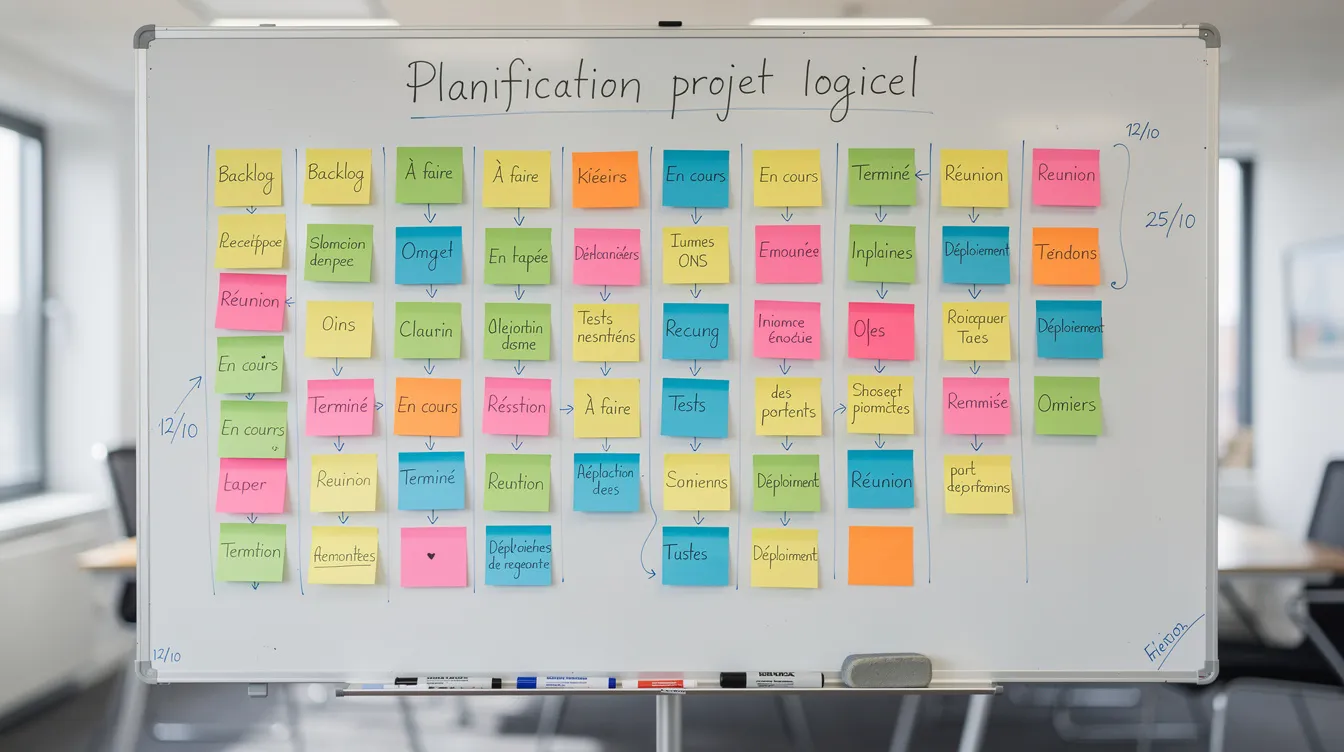
Development process: agile method, sprints and quality
A SaaS project lends itself well to agile methods: short iterations, frequent deliveries, quick adjustments.
In practice:
- Break the project into short iterations, each delivering a usable piece: authentication module, first dashboard, list management, and so on.
- Combine automated tests (critical functions: payment, access management) with targeted manual tests (key journeys). A defect caught early costs far less than one discovered in production.
- Hold regular check-ins with the client to adjust priorities and the roadmap, avoiding the "tunnel effect."
- Provide a pre-production environment to validate new features before they go into production.
The UnzipTech method:
- Listening to and analyzing needs
- Designing and validating mockups
- Agile development with regular check-ins
- Delivery, training and follow-up
Integrations, APIs and business process automation
Few SaaS applications live in isolation. They need to talk to other tools: accounting, CRM, payment, email.
- REST APIs: they let other systems read and write data in your SaaS application.
- Webhooks: they trigger automatic actions (sending an email, syncing with an ERP, an internal notification) when an event occurs: a new booking, an approved invoice, an updated stock level.
- Process automation: document generation, reminders, updating an existing ERP, stock tracking. SaaS turns repetitive manual tasks into automated workflows.
- Documentation: document each API as soon as it is exposed, to make future integrations easier.
Put your SaaS application into production and organize support
Launch is not the end: it is the beginning of operations.
Go-live steps:
- Preparing the cloud infrastructure
- Initial data migration if needed (import from spreadsheets or legacy software)
- Configuring domain names and SSL certificates
- A final round of testing in pre-production
Gradual rollout:
- Beta phase with a small group of pilot customers
- Collecting feedback and fixing priority bugs
- Wider release once stable
In a subscription model, you need to limit cancellations. Hence the importance of support channels (email, in-app form) and a knowledge base from launch. Team training and clear user documentation, provided by UnzipTech with every delivery, make adoption easier.
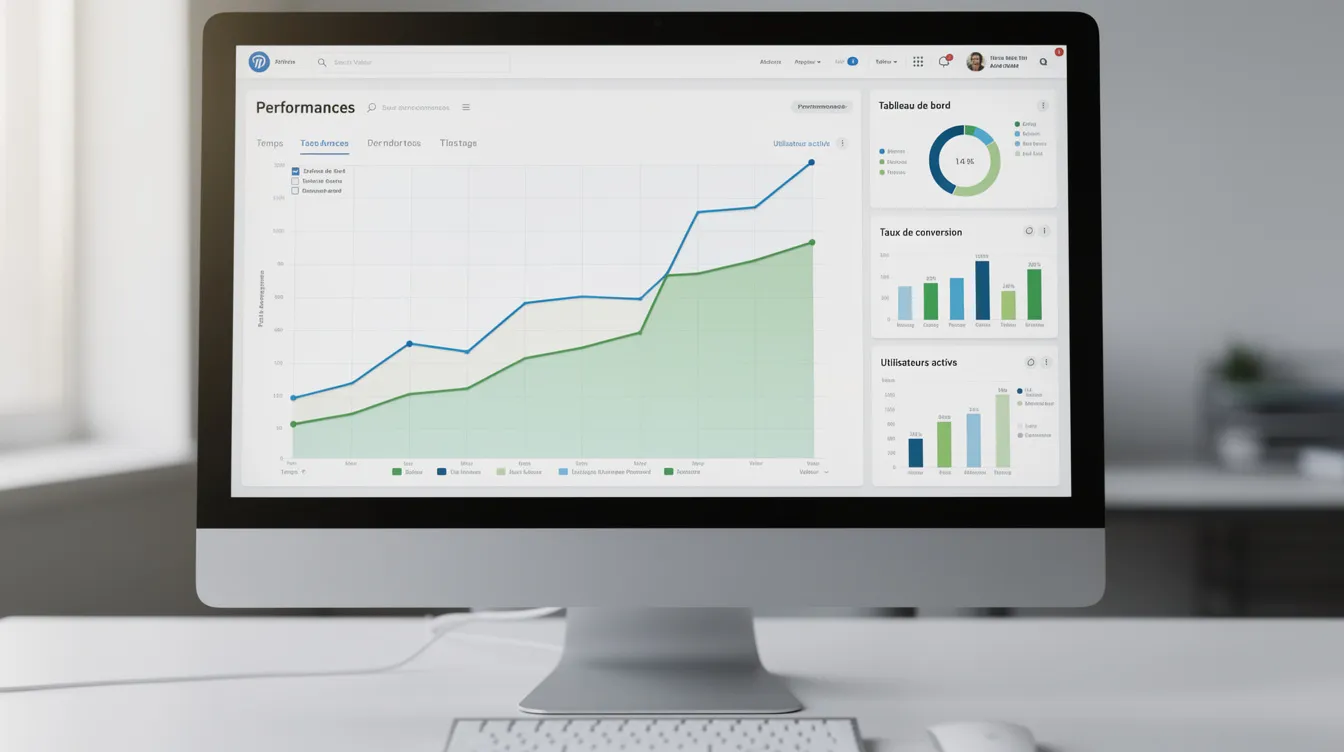
From launch, track concrete indicators: logins, activation of key features, user feedback ranked by priority.
Regular updates, continuous improvement and product roadmap
Software as a service lives on its updates. They are automatic for users, but require structured work on the publisher's side.
- Release cadence: alternate minor updates (fixes, small improvements) and major ones (new features, a module overhaul).
- User feedback: gather it through surveys, interviews and usage analysis, to feed the roadmap with real-world data.
- Prioritization: rank requests by business impact, technical complexity and fit with the product vision.
- Technical debt: regularly set aside time for quality (refactoring, database optimization, security hardening). Without it, maintenance becomes increasingly burdensome.
UnzipTech maintenance contracts make it possible to provide this follow-up over the long term.
Custom SaaS or an existing solution: how to decide?
Digital transformation in Morocco is advancing, but some trades don't always find a perfectly suited tool. That is where custom development makes the most sense.
Off-the-shelf or custom SaaS:
| Criterion | Off-the-shelf SaaS | Custom SaaS |
|---|---|---|
| Setup | Faster | Longer, depending on scope |
| Business specifics | Limited, generic | Tailored to your internal processes |
| Integrations | Those planned by the vendor | Designed around your needs |
| Evolution | Depends on the vendor | Driven by your roadmap |
There is also a strategic opportunity: turning an internal tool (invoicing, stock management, scheduling) into a SaaS product offered to other companies in the same sector, provided the right architecture choices were made. To compare both approaches, read our article custom software or off-the-shelf solution.
Start with a diagnosis of your business processes to decide between adapting an existing solution and creating a new application.
Working with UnzipTech on your SaaS development project
UnzipTech follows a structured approach: listening to and analyzing needs, designing mockups validated with the client, agile development with regular check-ins, then delivery with training and follow-up. Payment is generally split across several project phases.
What we can take on:
- SaaS solutions and custom software (ERP, CRM, business tools)
- Artificial intelligence integration: AI models, intelligent process automation, predictive analytics
- Web development: showcase websites, e-commerce, web applications
- iOS and Android mobile apps, native or cross-platform
- IT and digital consulting: audit, digital strategy, digital transformation
Ready to take action? Request a free personalized quote after an analysis of your needs.
Discover our SaaS solutions · Contact us to discuss your project
SaaS development FAQ
What is SaaS?
SaaS (Software as a Service) is cloud-hosted software, available online through a subscription from a browser, with no local installation. Updates are deployed on the publisher's side.
Where do you start a SaaS development project?
By clarifying the business goal and validating the need with potential users, before building an MVP limited to the essential features.
Should you choose a multi-tenant architecture?
For a SaaS aimed at several client companies, multi-tenant is often preferred because it makes updates and operations easier. Single-tenant suits clients that require stronger isolation.
How much does SaaS development with UnzipTech cost?
Every project is different: UnzipTech provides a free personalized quote after analyzing your needs, with payment generally split across several phases.